
Aug 2023-April 2024
Setting a North Star Vision for Upside
Product Management / Design / User Research / User Testing
About the project
I led an experimental, 8 month long project with the goal of re-imagining the way Upside users discovered offers in the app, setting a north star vision for Product and Design.
I had the support of 1 researcher.
How does Upside work?
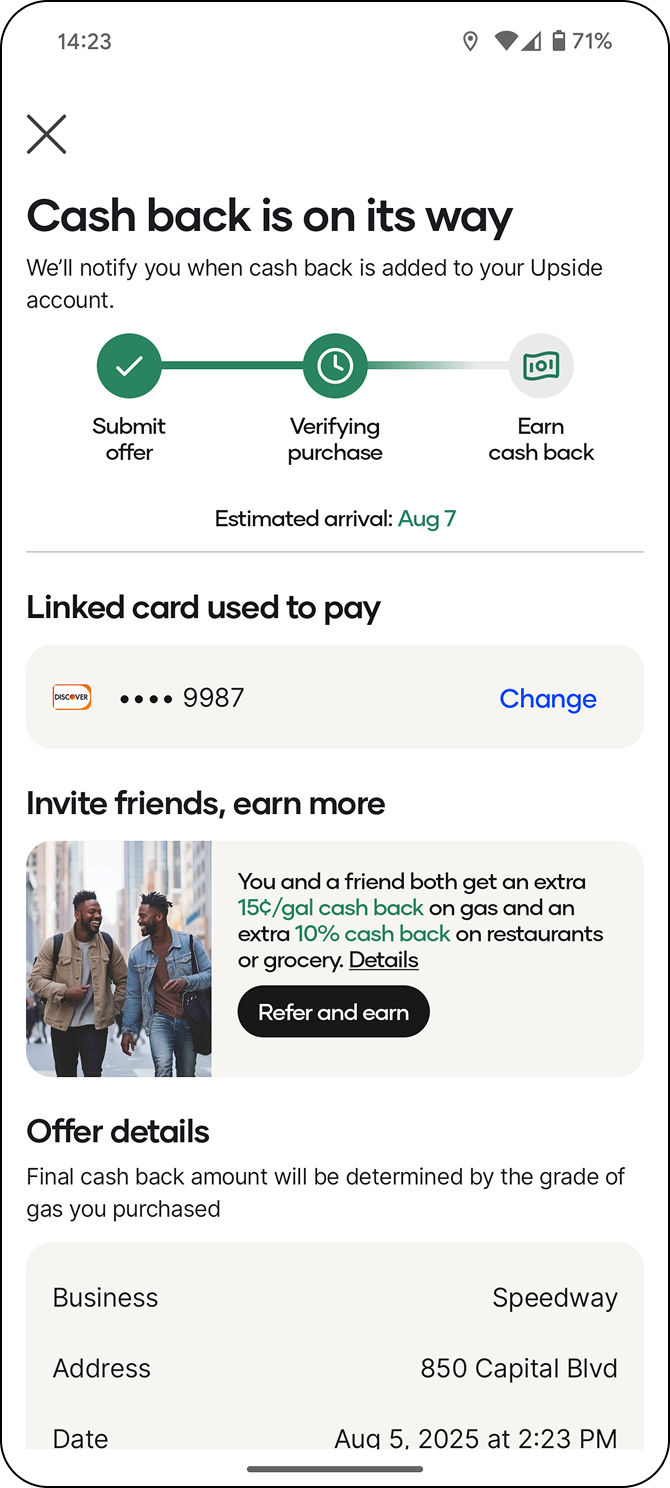
For a user to get cash back, they browse the app, claim the cash back offer they want, then transact at that business.
Upside then matches the payment method they used to the same one they have on file and issue their cash back to their Upside account.
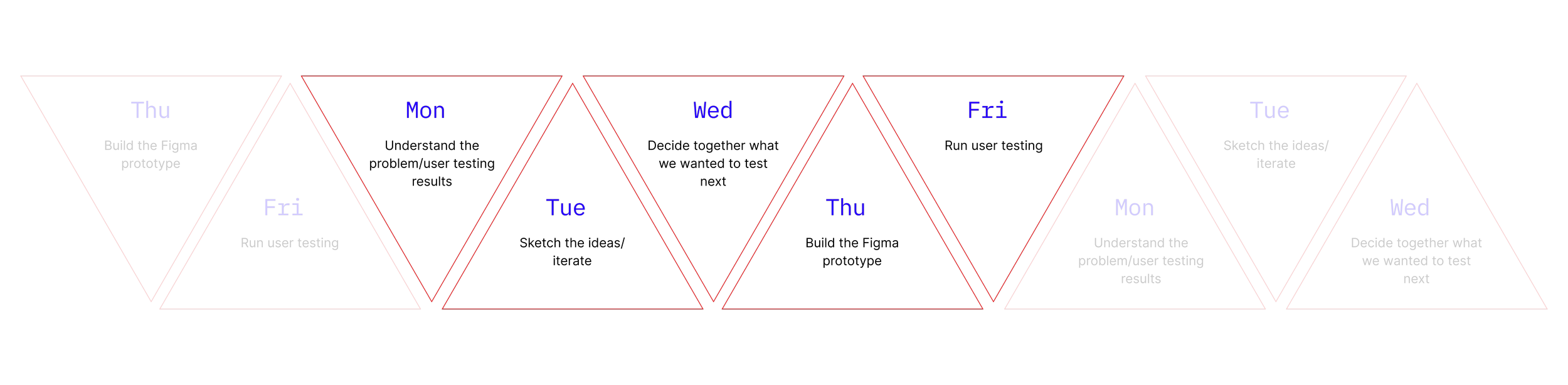
First, I introduced design sprints
I wanted to bring efficiency and speed to the design team, as this was not only an opportunity to improve the product, but also the way we worked.

Then, we got curious.
How might we organize our app architecture to align to our users’ mental model?
How might we personalize and curate offers for our users?
How could we help users explore inventory and build the app in a way that accommodated adding different business types?
How could we improve our search experience?
Why this work was important.

Upside was only showing 1.5 offer cards before scroll, with only 1 single column, leading to the average user only seeing 3 offers before claiming one.
There was also no personalization, curation or a satisfying way to find offers.
We started by looking at how other apps were solving similar browsing based challenges.






I then designed an initial experience that we could start getting stakeholder feedback on.


As we gathered feedback and noticed patterns, we adjusted the designs.


We then presented our findings to the VP of Design and Product and were ready to start user testing.
Design. Test. Repeat.
Our Process
Over the course of 12 weeks, following the design sprint way of working, we ran 12 user testing sessions, iterating after every test. The designs evolved rapidly.
Original HomeIntroducing carousels

Testing a 'For You' pageMaking 'For you' Home
The evolution of Explore

Testing a quick redeem pageIntroducing a Browse conceptAdjusting nav IAAdding categories
The evolution of Map

Testing separate Map tabAdding images to restaurantsRemoving For You tabCombining Map and Explore
The evolution of Home


Our standout learning: Search was incredibly valuable and needed to be prioritized.
Over 80% of participants said they would use search before any other method to find an offer.
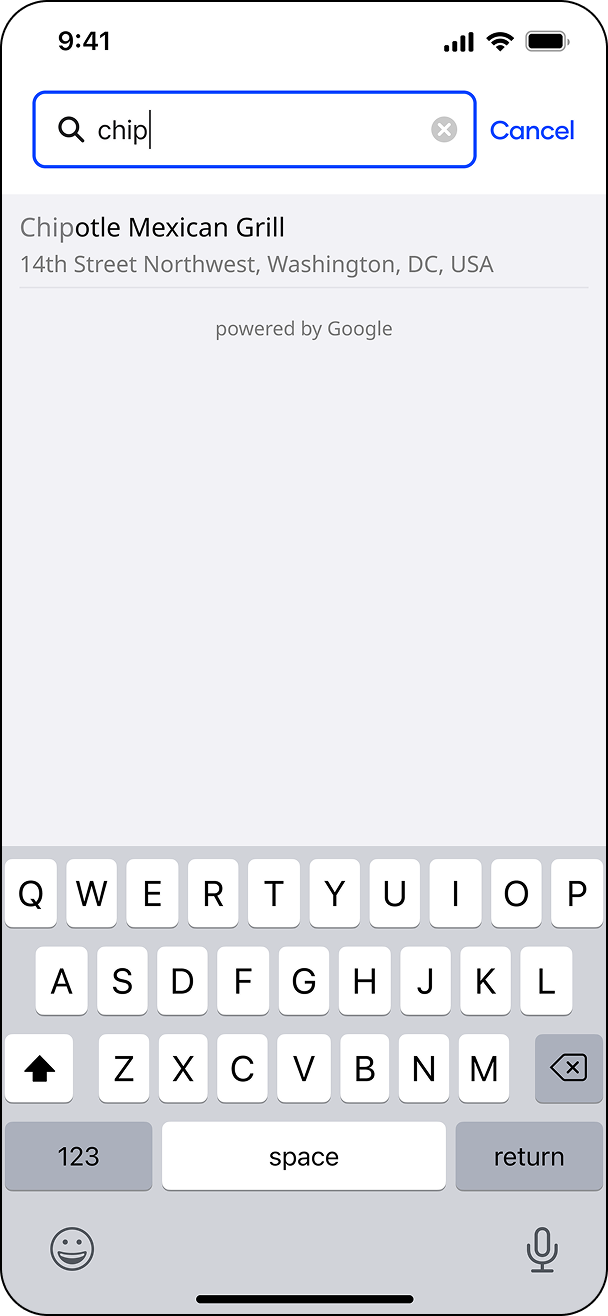
Before
New location selector to support traveling users

Offers shown on search to support browsing
Recent searches
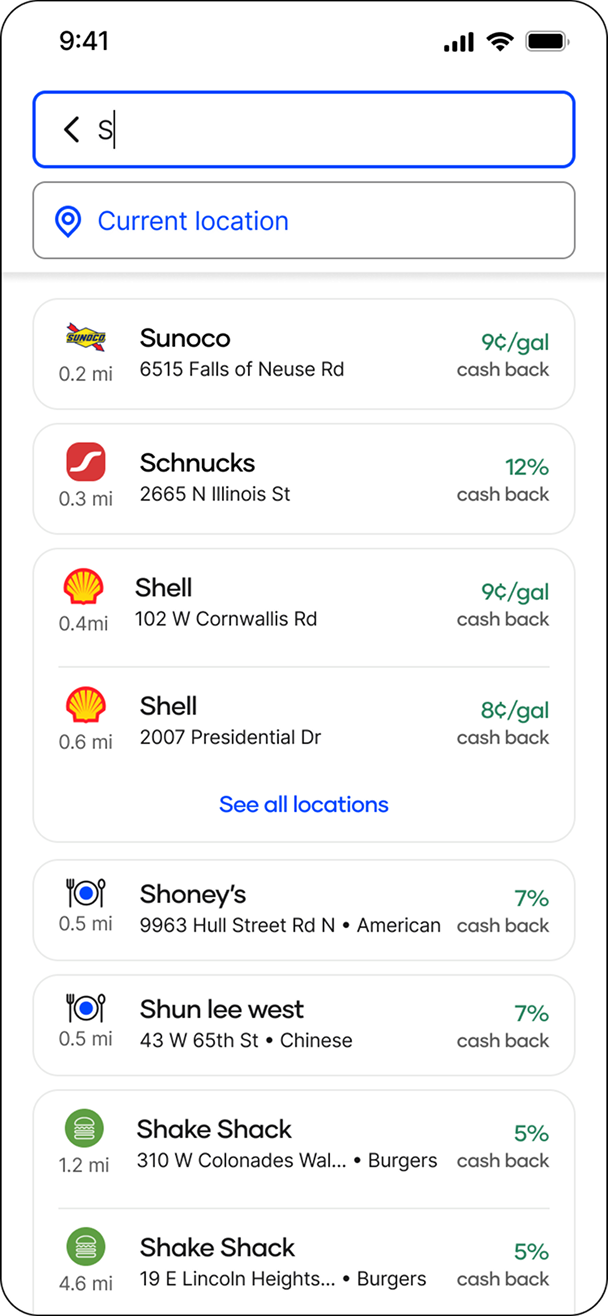
Easy to scan results with support for grouped brands/businesses
Card style that mimics the offer cards elsewhere in the app
Evangelize the work
After the VP of Design & Product left the company, our main supporter of this project, we needed leadership buy-in.
I spent the next 12 months advocating for what we learned during Alloy, setting 1:1s with VP’s, founders, product owners and engineering.
Our Head of Product finally listened.
What happened next?
Based on our findings, Upside implemented a new Discovery pod whose first goal was to implement all the findings my project discovered, starting with Search.
Case study coming soon
Outcome
Vision Adopted by Leadership 😊
The findings from Alloy drove leadership to create new teams whose focus was implementing our findings.
Design Led 💰
Alloy is the first project in Upside’s history to be led by design and research.
Design Sprints 👀
Alloy is the first project to run in design sprints. All other design teams have adopted this method of working after Alloy’s success.
User Testing 💻
We conducted 12 user testing groups in 3 months, resulting in over 100 sessions. Other teams at Upside do 1 user test, at most, before launching.
Product Minded Design 🧠
Alloy is the first project at Upside that wasn’t started with a product PRD. Design and Research determined what the problem was and how to solve it, with the Director of Product only involved at a review level.
User centered 👏
This is the first project that centered it’s solution around the actual users of our app and what they need.